Documentation Index

Fetch the complete documentation index at: https://docs.gpuhub.com/llms.txt

Use this file to discover all available pages before exploring further.

Codex is a command-line coding assistant. You can route Codex requests through AI Gateway by configuring the OpenAI-compatible base URL and providing your API key.
Create or copy your API key from the console before starting Codex.
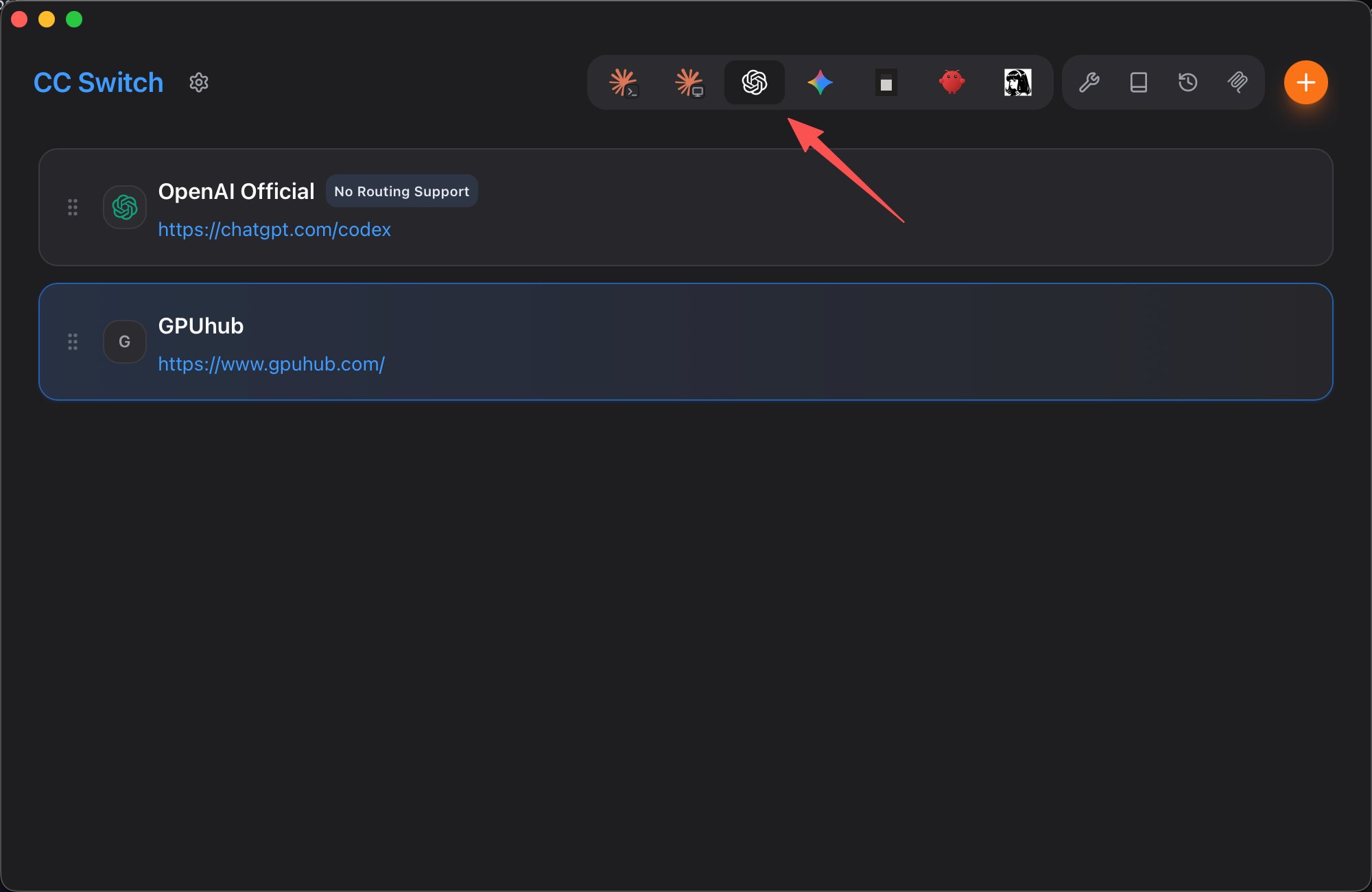
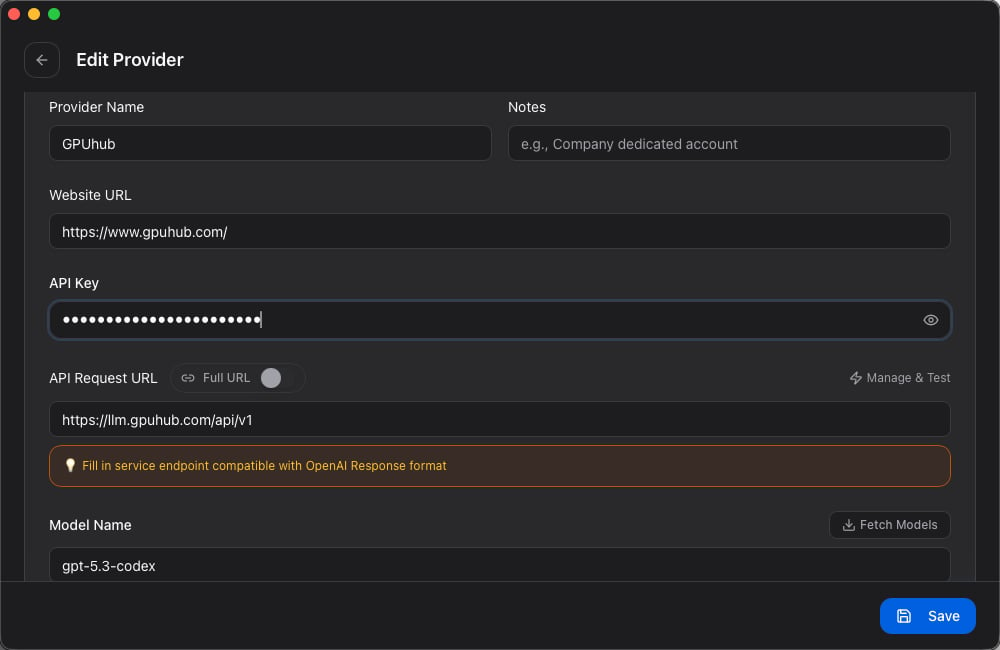
If you use multiple coding agents, consider using cc switch or a similar profile manager to maintain separate configurations for Codex, Claude Code, and other tools.

Configure the API Base URL

Set the OpenAI-compatible base URL before starting Codex.
export OPENAI_BASE_URL=https://api.gpuhub.com/api/v1
To make this persistent, add it to your shell profile.
echo 'export OPENAI_BASE_URL=https://api.gpuhub.com/api/v1' >> ~/.zshrc

Start Codex

codex

Provide Your API Key

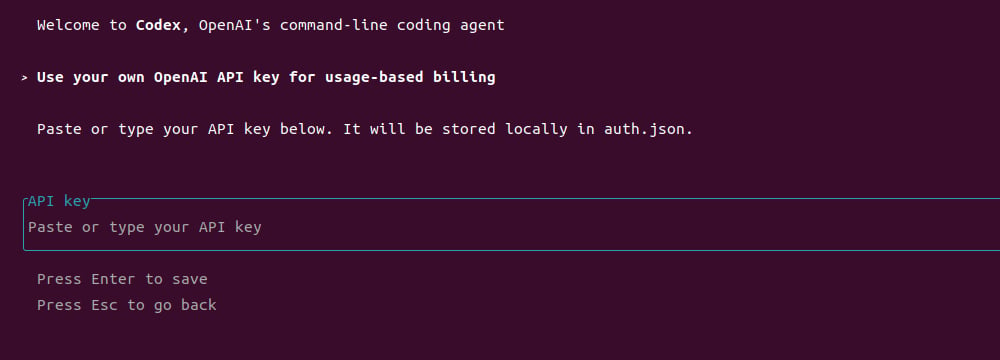
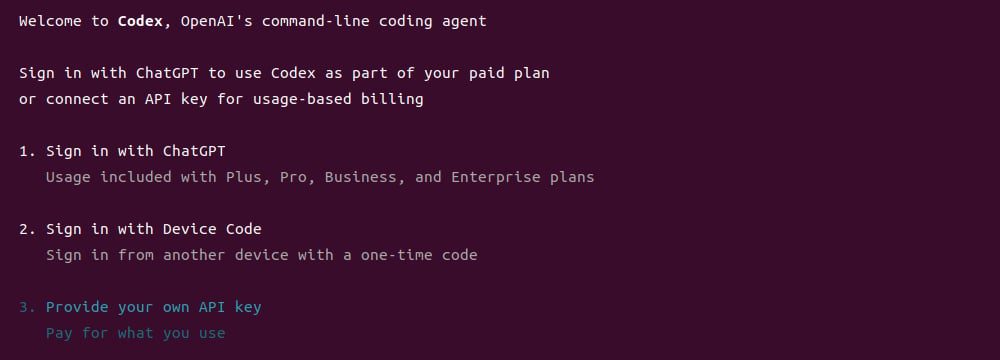
When Codex opens the authentication menu, choose Provide your own API key. Paste your API key into the prompt and press Enter to save it.

Start Using Codex

After configuration is complete, you can use Codex from the terminal for code generation, explanation, debugging, and refactoring tasks.