For guidance on diagnosing performance bottlenecks, please refer to the relevant documentation. Note that Ampere architecture cards (e.g., 3060, 3090, 3080 Ti) require CUDA 11.1 or higher, while Titan Xp, 1080 Ti, 2080 Ti, P40, and V100 have no such requirement. Use a higher - version framework.
On the GPUhub platform, CPU and memory are allocated proportionally to the number of rented GPUs. The CPU and memory figures in the compute power market represent the amount allocated per GPU. For example, if you rent two GPUs, the CPU and memory will be doubled. Also, note that GPUs are not shared; each instance has exclusive access to its allocated GPU.

CPU Selection

CPUs are crucial! Although CPUs don’t directly participate in deep - learning model computations, they must provide data - processing capabilities exceeding the model - training throughput. For instance, an 8 - GPU NVIDIA V100 DGX server achieves 8,000 images/second training throughput with ResNet - 50 ImageNet classification. However, a 16 - GPU V100 DGX2 server fails to double this throughput, indicating the DGX2’s CPU has become a performance bottleneck. We typically allocate a set number of CPU logical cores per GPU. Ideally, model - computation throughput rises linearly with more GPUs, and the CPU - core allocation for one GPU can scale up linearly for multiple GPUs. GPUhub’s instances offer various CPU - allocation specs. Each GPU should have at least 4 - 8 CPU cores for multi - threaded, asynchronous data reading. Adding more cores usually brings little gain, as data - reading bottlenecks often stem from Python’s multi - process switching and data - communication overhead (e.g., with PyTorch DataLoader). To save costs and overcome this bottleneck, try NVIDIA DALI, a C++ - and CUDA - based data - reading acceleration library, on GPUhub. In our tests, a single - core CPU instance outperformed an eight - core Python - based one in data reading, effectively supporting model training. GPUs in GPUhub machines are paired with high - performance CPUs, such as:
GPU ModelCPU Models
H20-NVLinkAMD EPYC 9K84
4090Xeon(R) Gold 6430
A100AMD EPYC 7763
4090Xeon(R) Platinum 8352V, 8358P, and Gold 6430
4090DXeon(R) Platinum 8474C and 8481C
4090/4090DAMD EPYC 9654 and 9754
L20/H20-NVLinkXeon(R) Platinum 8457C
Server CPUs generally have lower clock speeds than desktop CPUs but more cores. When switching from a desktop CPU to a server CPU, you must fully utilize the multi-core performance; otherwise, you can’t harness the server CPU’s capabilities. Learn how to utilize this by checking the relevant documentation.

GPU Selection

The platform offers a variety of GPU models, which can be categorized into five main architectures:
  • NVIDIA Pascal Architecture GPUs: Such as TitanXp and GTX 10 series. These GPUs lack low - precision hardware acceleration but offer moderate single - precision compute power. Their affordability makes them ideal for training small models (e.g., Cifar10) or debugging model code.
  • NVIDIA Volta/Turing Architecture GPUs: Such as GTX 20 series and Tesla V100. These GPUs feature TensorCores for low - precision (int8/float16) compute acceleration. However, their single - precision compute power hasn’t improved much over the previous generation. We recommend enabling mixed - precision training in deep learning frameworks to accelerate model computation. Mixed - precision training can typically provide over twice the training speedup compared to single - precision training.
  • NVIDIA Ampere Architecture GPUs: Such as GTX 30 series and Tesla A40/A100. These GPUs have third - generation TensorCores that support the TensorFloat32 format, which can directly accelerate single - precision training (enabled by default in PyTorch). However, we still suggest using the ultra - high - compute - power float16 half - precision training for models to achieve more significant performance improvements over previous - generation GPUs.
  • Cambricon MLU 200 Series Accelerator Cards: These cards don’t support model training. For model inference, computations need to be quantized to int8. Also, a deep learning framework adapted to Cambricon MLU must be installed.
  • Huawei Ascend Series Accelerator Cards: These support both model training and inference. However, the MindSpore framework needs to be installed for computations.
Choosing a GPU model isn’t difficult. For common deep learning models, the performance can be roughly estimated based on the GPU’s compute power at the corresponding precision. The GPUhub platform labels and ranks the compute power of each GPU model, making it convenient for users to choose the right GPU. The number of GPUs to select depends on the training task. Generally, a model should be trained within 24 hours to allow for iterative improvements the next day. Here are some suggestions for selecting multiple GPUs:
  • 1 GPU: Suitable for training tasks with smaller datasets, such as Pascal VOC.
  • 2 GPUs: Allows running two sets of parameters or increasing the Batchsize compared to a single GPU.
  • 4 GPUs: Suitable for training tasks with medium - sized datasets, such as MS COCO.
  • 8 GPUs: A classic and versatile configuration suitable for various training tasks and convenient for reproducing paper results.
  • More GPUs: For training large - parameter models, extensive hyperparameter tuning, or ultra - fast model training.

RAM Selection

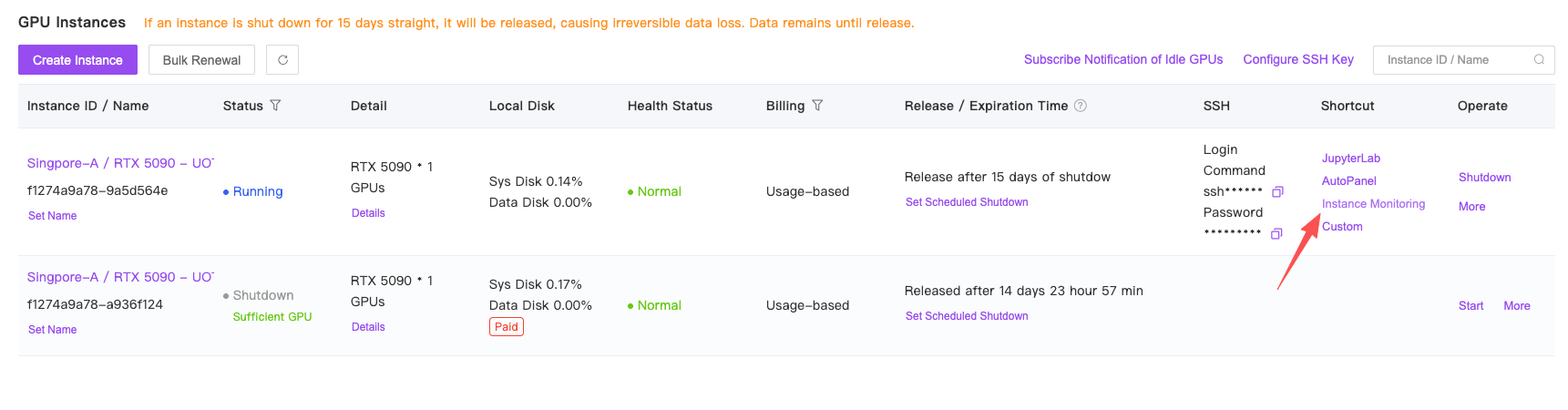
Generally, sufficient memory doesn’t impact performance. Yet, GPUhub instances have stricter memory limits than local computers (which use hard - disk virtual memory when memory is low, just slowing down speed). For example, if an instance has 64GB of memory and the program needs 64.1GB during training, the system will kill the process at the moment of exceeding the limit, interrupting the program. So, if you need more memory, choose a host with more memory or rent multiple - GPU instances. If unsure about memory usage, monitor it in the instance monitor.
Introduction to GPU Models

ModelVRAMSingle Precision (FP32)Half Precision (FP16)DetailsDescription
Tesla P4024GB11.76 T11.76 TViewAn older Pascal - based GPU, great for algorithms needing large VRAM before CUDA 11.x.
TITAN Xp12GB12.15 T12.15 TViewAn older Pascal - based GPU, suitable for beginners.
1080 Ti11GB11.34 T11.34 TViewA card from the same era as TITAN Xp, good for beginners but with sometimes awkward 11GB VRAM.
2080Ti11GB13.45 T53.8 TViewA Turing - based GPU with good performance and high cost - effectiveness for mixed - precision computing.
V10016/32GB15.7 T125 TViewThe previous gen’s top professional compute card, with high half - precision performance for mixed - precision computing.
306012GB12.74 TAbout 24TViewA good choice if 1080 Ti’s VRAM is insufficient, suitable for beginners. Requires CUDA 11.x.
A400016GB19.17 TAbout 76TViewBalanced in terms of VRAM and compute power, suitable for intermediate use. Requires CUDA 11.x.
3080Ti12GB34.10 TAbout 70TViewHigh - performance, suitable if VRAM requirements are not high. Requires CUDA 11.x.
A500024GB27.77TAbout 117TViewHigh - performance, suitable if 3080Ti’s VRAM is insufficient, with high half - precision compute power for mixed - precision. Requires CUDA 11.x.
309024GB35.58 TAbout 71TViewCan be seen as the expanded - VRAM version of 3080Ti, with strong performance and cost - effectiveness. Requires CUDA 11.x.
A4048GB37.42 T149.7 TViewCan be seen as the expanded - VRAM version of 3090, choose based on VRAM needs. Requires CUDA 11.x.
A100 SXM440/80GB19.5 T312 TViewThe new generation’s top professional compute card, expensive but with no other drawbacks. Large VRAM and very suitable for half - precision computing, with high multi - GPU parallel acceleration ratio due to NVLink. Requires CUDA 11.x.
409024G82.58 T165.2 TViewThe new generation’s top gaming card, with high cost - effectiveness despite smaller VRAM and lower multi - GPU parallel efficiency.