

Auto-recharge and cryptocurrency or stablecoin payments are currently unavailable.
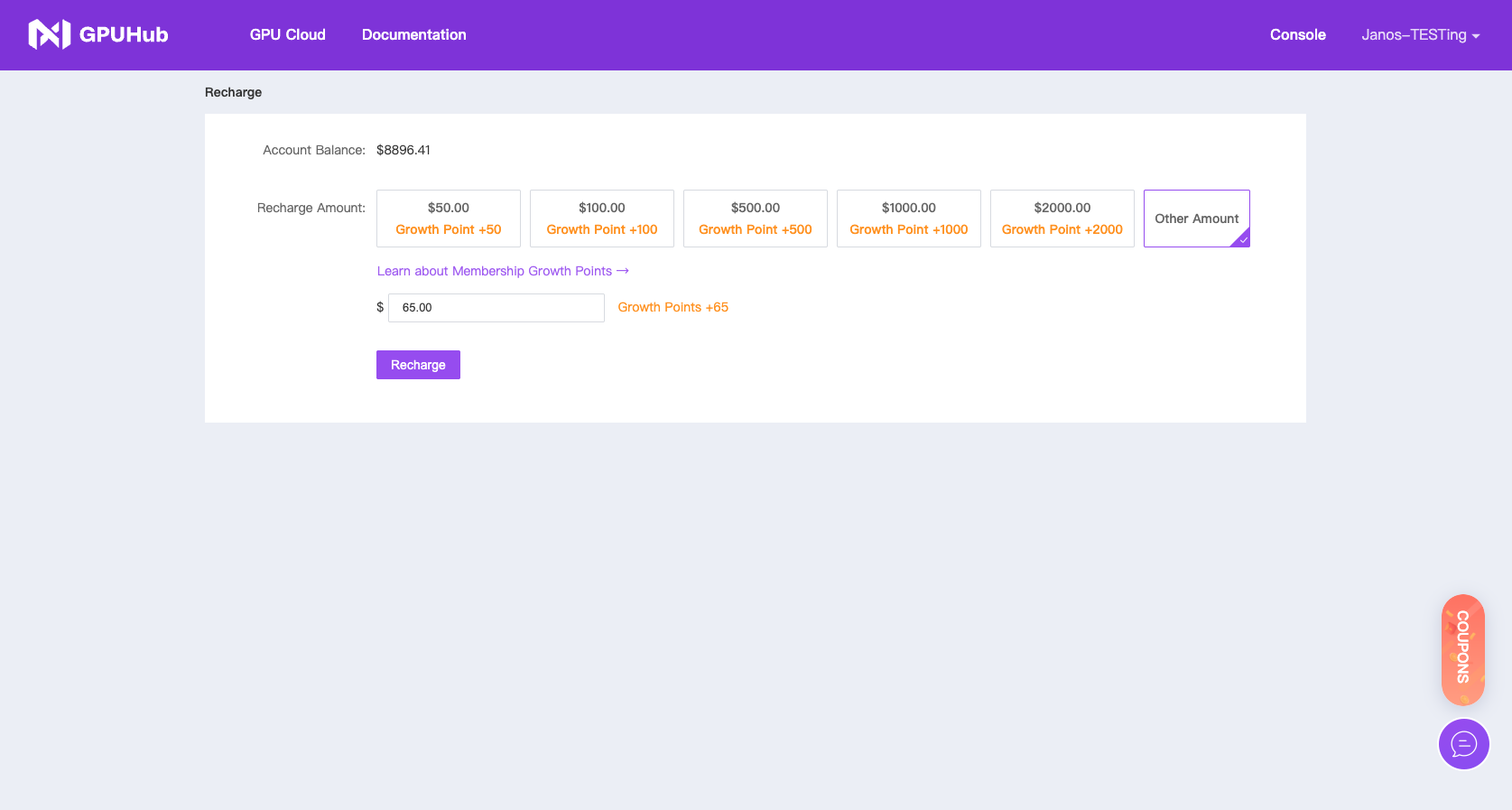
Online Payment
Bank Card Payment (Supports Credit & Debit Cards)After the online payment is successful, you can apply for invoices based on order bill amount or recharge amount through the console.
Offline Payment
Request a Quotation
Need to pay for cloud services via wire transfer?Please contact our billing team (support@gpuhub.com) to request an Official Quotation File.
Credit Points
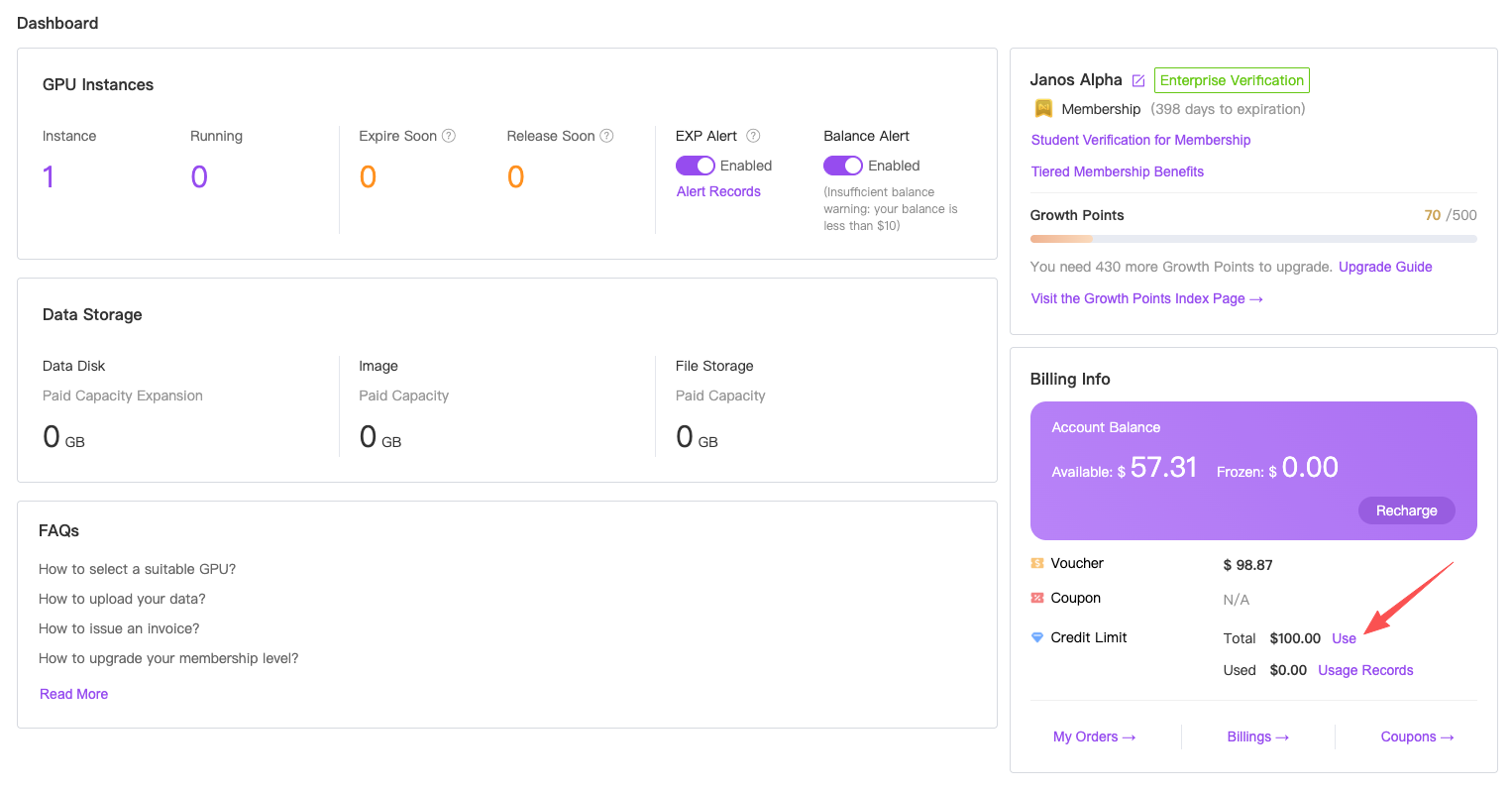
After a customer signs an offline payment agreement with GPUhub, the actual funds may take several business days to arrive. To prevent any service interruption, GPUhub may grant the customer a temporary credit facility (“Credit Points”) that can be drawn down before the payment settles.- Granting
- Use
- Each Point converted becomes normal cash balance immediately.
- The cash balance is used automatically to pay service invoices.
- Repayment
- Responsibility