
Documentation Index

Fetch the complete documentation index at: https://docs.gpuhub.com/llms.txt

Use this file to discover all available pages before exploring further.

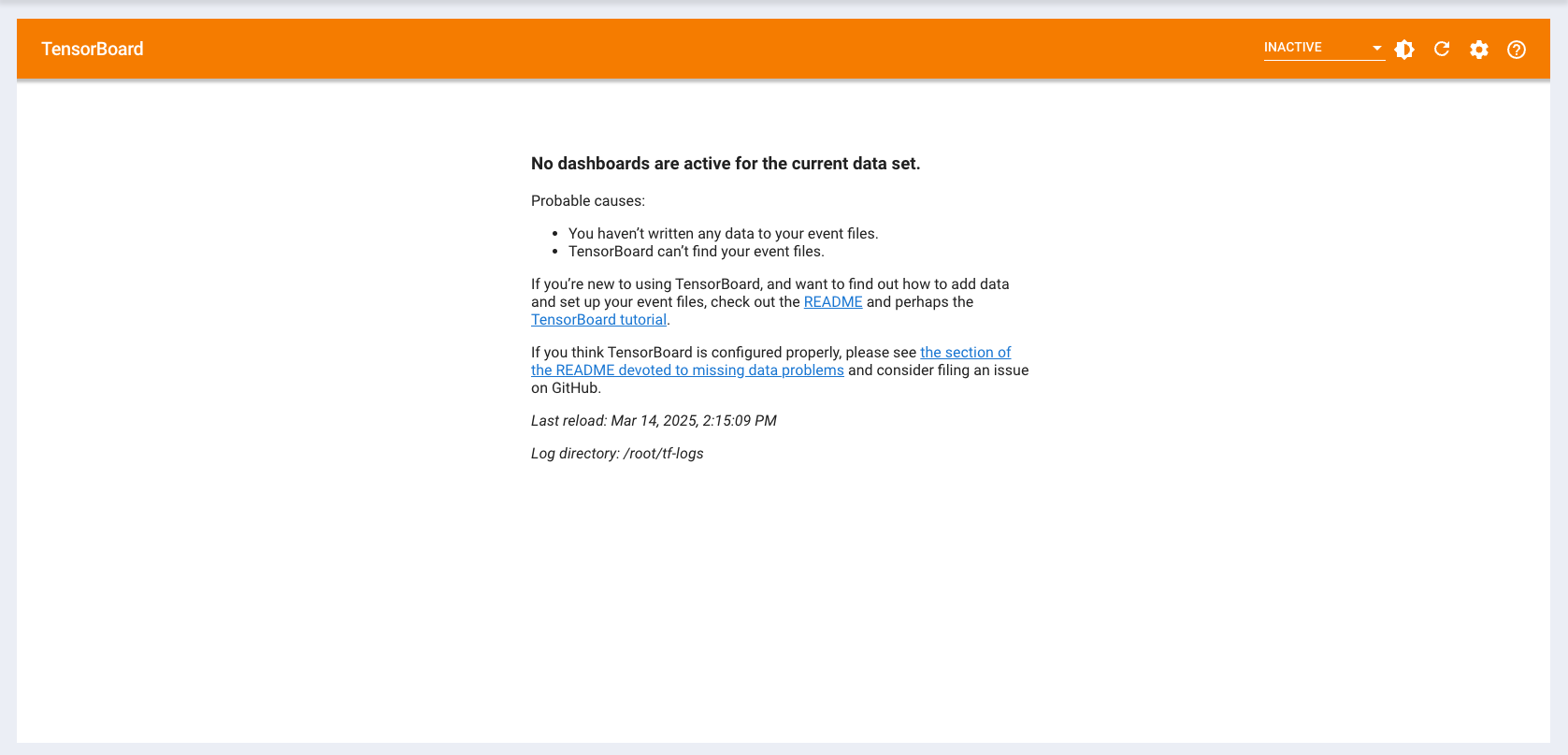
The instance on GPUhub comes pre-installed with the TensorBoard tool. You just need to save the TensorBoard event files to the /root/tf-logs/ directory (if you wish to use a different logs folder, see the section below on changing directories), or copy the event files saved in another path to this directory, and then use TensorBoard.

Default Access Method

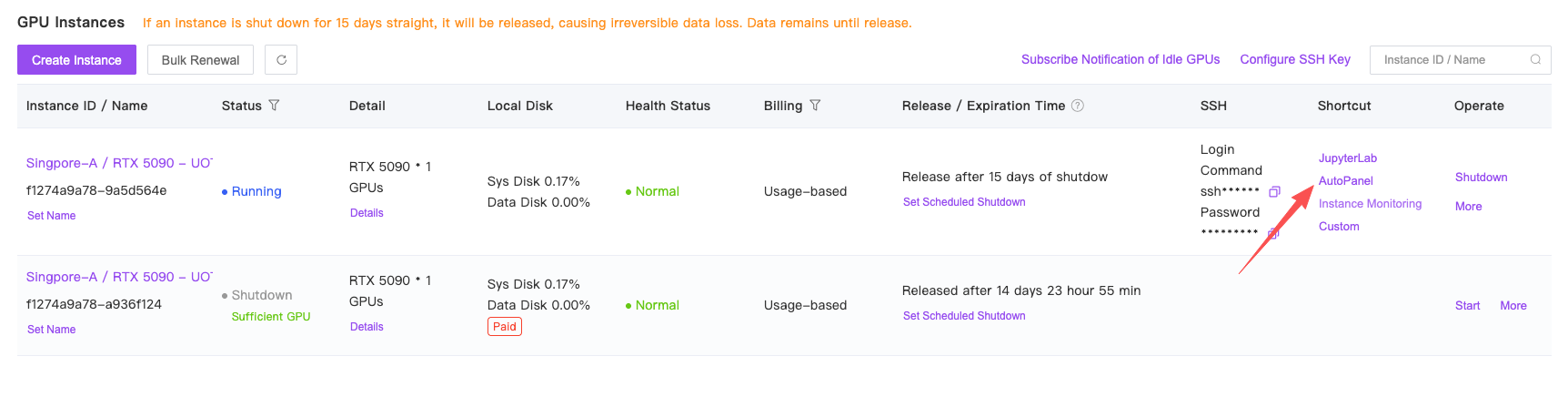
After powering on the instance, locate the access entry for AutoPanel:
Switch TensorFlow Logs Directory

If you wish to use a different logs directory, you can manually start another instance of TensorBoard: First, terminate the default TensorBoard process by executing the command:
bash
ps -ef | grep tensorboard | awk '{print $2}' | xargs kill -9
Then, run the following command in the terminal to start TensorBoard:
bash
tensorboard --port 6007 --logdir /path/to/your/tf-logs/directory
After starting, you can access TensorBoard again through AutoPanel.